Project Publication
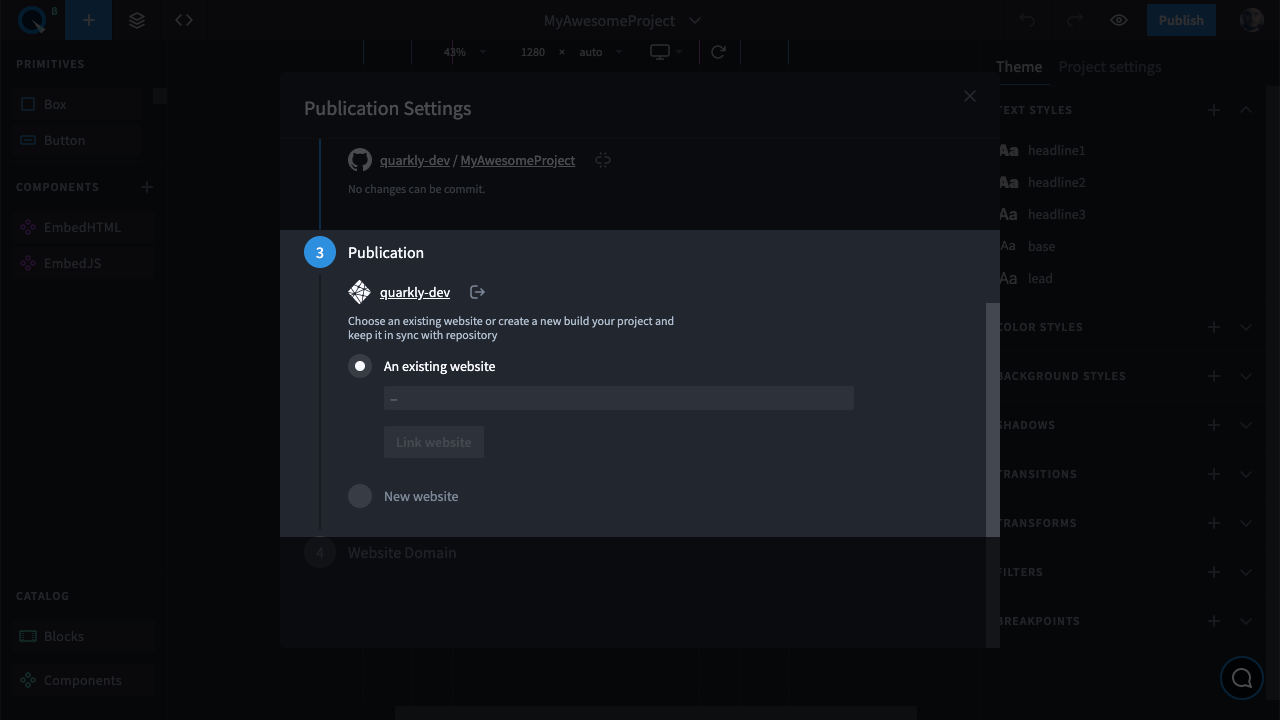
After you save the project in the GitHub repository, you can publish it using Netlify.
To choose a site and start publication:
- Click "Log In with Netlify" to give Quarkly access to your sites on Netlify. Log in or sign up to Netlify, if necessary.
- Select an existing site in your Netlify account or create a new one.
- Click "Build" to start building and then publishing the project.
Project creation and publishing usually takes a few minutes.
The status can be seen on the badge:
| Description | Badge |
|---|---|
| Publication has started |  |
| Publication has finished successfully |  |
| Publication stopped due to an error |  |
| Publication stopped manually |  |